
iPhone & iPad

TillyTally™
Coming soon to the App Store.
Requires iOS 26.0 or iPadOS 26.0 or later.
Keeps score for the whole table, on one phone.
The way one person always ends up doing it on the back of an envelope, without the arithmetic. No ads, no in-app purchases, nothing to sign up for.
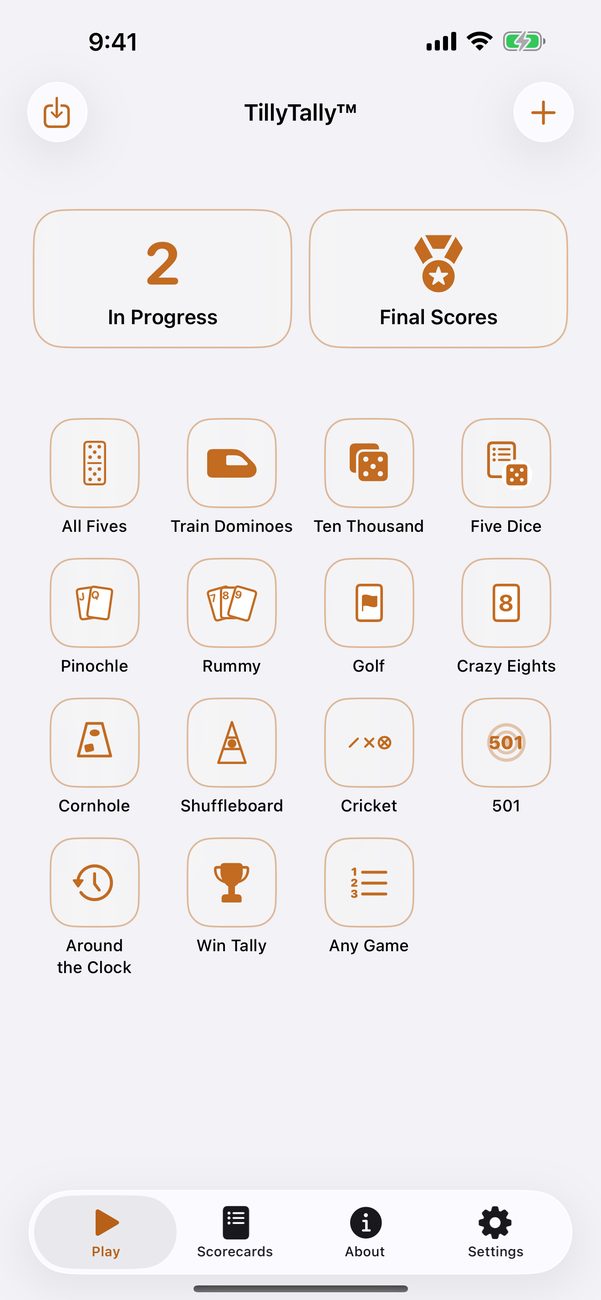
Pick a game and play
Tap a game on the Play screen, tick who’s playing, and start. Add each round’s numbers with a tap or two, or tap a number for a keypad. The totals add themselves up, and the card says who is ahead and how far there is to go.
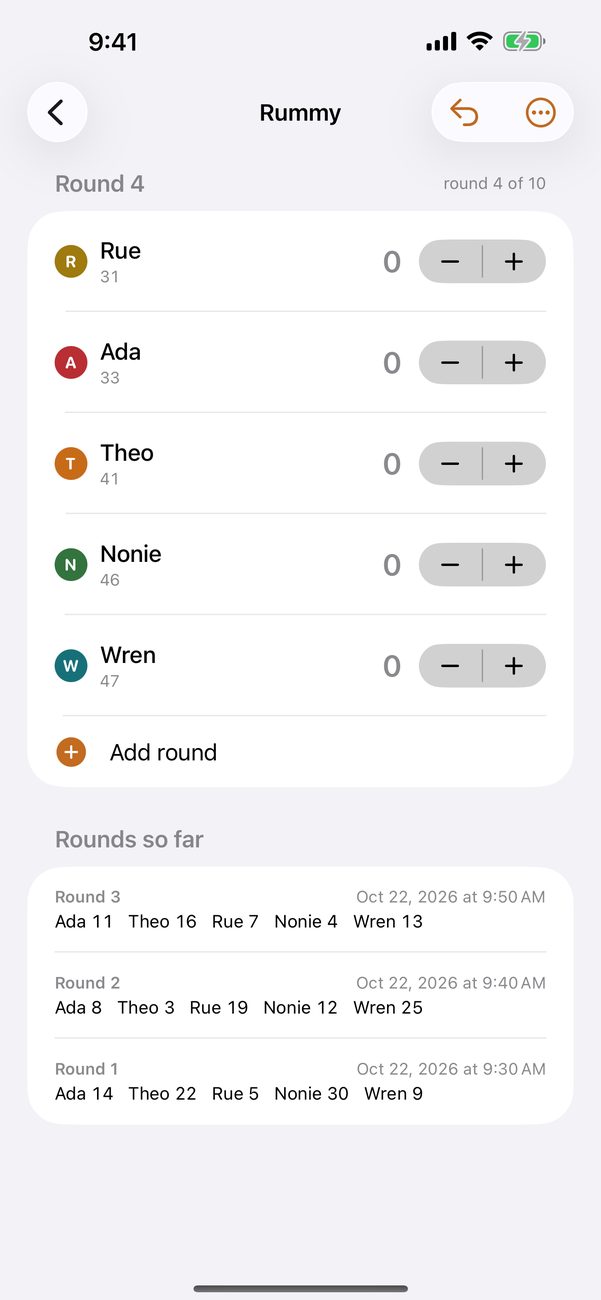
Ready-made scorecards
All Fives and Train Dominoes. Ten Thousand and Five Dice. Pinochle, Rummy, Golf, and Crazy Eights. Cornhole and Shuffleboard. Cricket, 501, and Around the Clock. Each is set up with the usual numbers: how far you play, whether the high or the low score wins, and what the buttons count in. Cricket keeps the marks, Five Dice has its boxes, and Cornhole counts only the difference.
There are simple tallies too: Win Tally for a night of quick games, Any Game for whatever isn’t on the list, and Count, Attendance, and Who Called It.
Your house’s way
Play to a different number at your house? Open the scorecard and choose Duplicate and Change, or make one of your own: first to a target, a set number of rounds, or no finish line at all; highest or lowest wins; counting in ones, fives, or tens. Choose which scorecards are on the Play screen, and in what order, in Settings.
People and teams
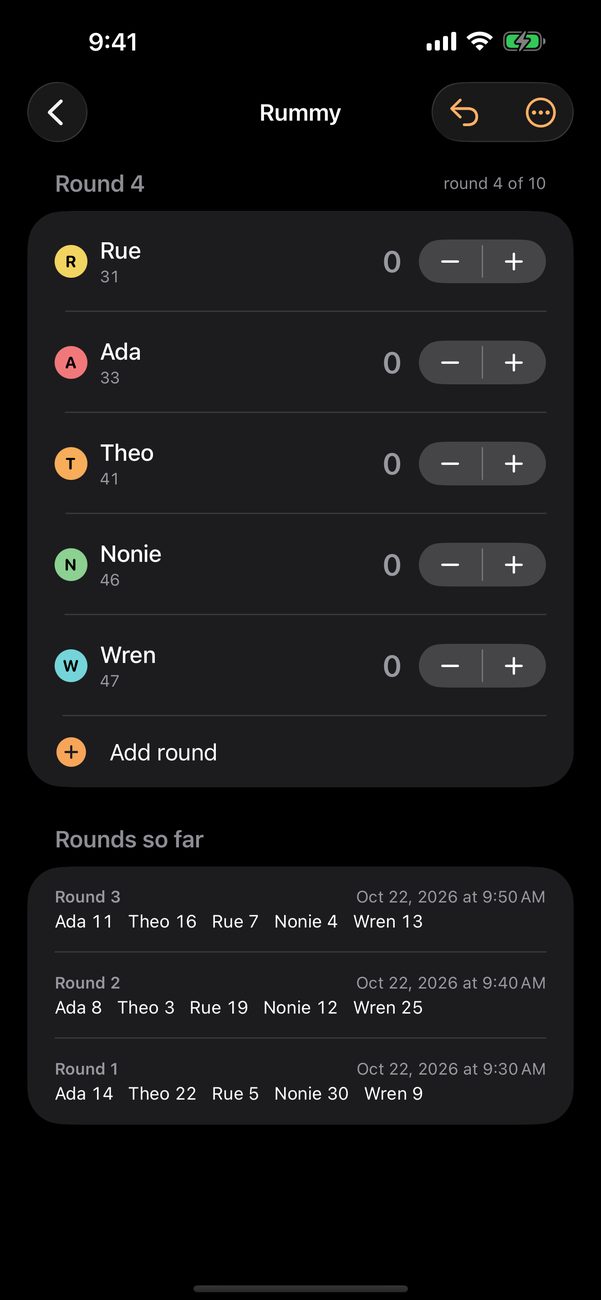
Type names once and pick them each game. Give everybody a color or a little picture so their line is easy to find at a glance. Play as teams, and each team keeps its own score.
Final Scores
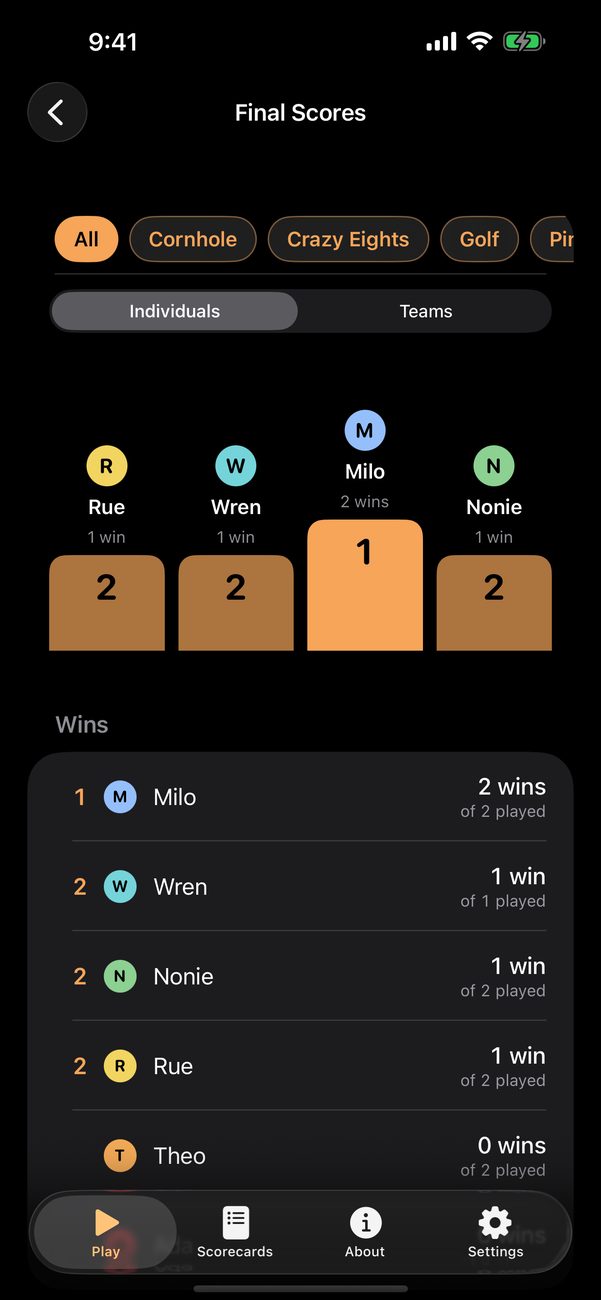
Once a game is finished, Final Scores shows who has won the most, on a podium, for every game or one kind of game. Wins on your own and wins as a team are counted separately, and every finished game is kept, round by round.
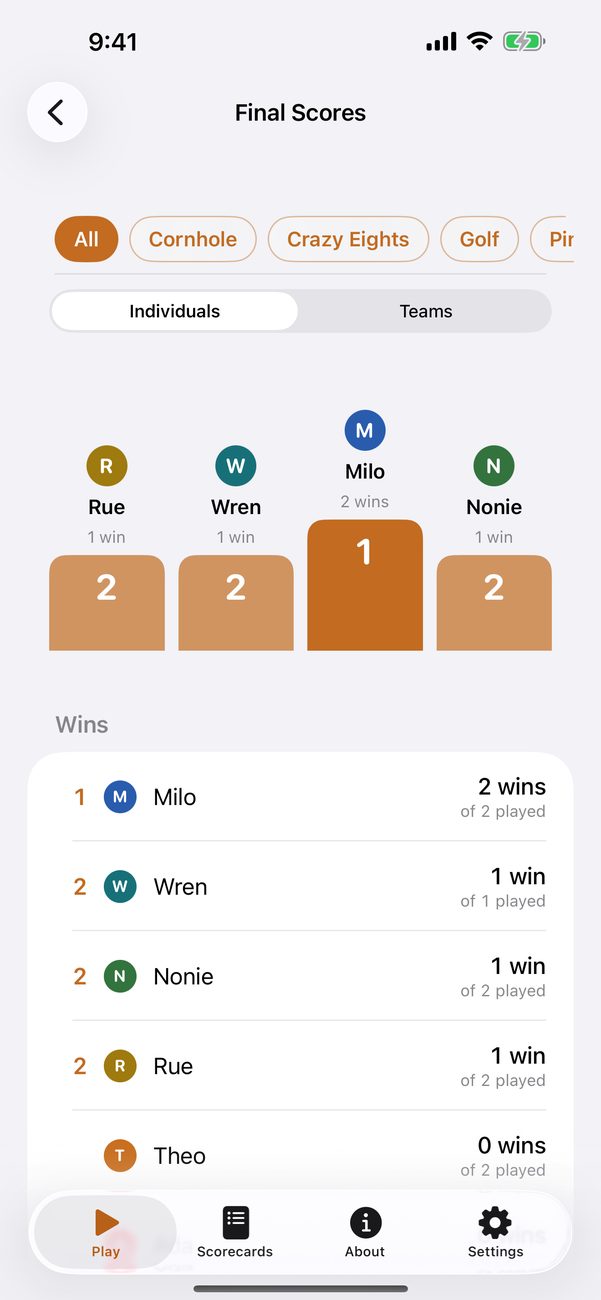
Fix it without an argument
Undo the last thing entered, change a round after the fact, or put somebody out of the game without losing their numbers.
Share
Send a game as a picture, a PDF, or a file another TillyTally can open, and trade scorecards with friends as a file.
On your iPhone and iPad
Your scorecards, players, teams, and games, both the ones going on now and the finished ones, sync through your own iCloud account. Pick a background and a color, or use one of your own pictures. TillyTally follows your device’s light or dark appearance.
Support
Questions and bug reports are welcome — see the support page. The privacy policy is short: everything is on your device and in your own iCloud account, and nothing is sent to us.